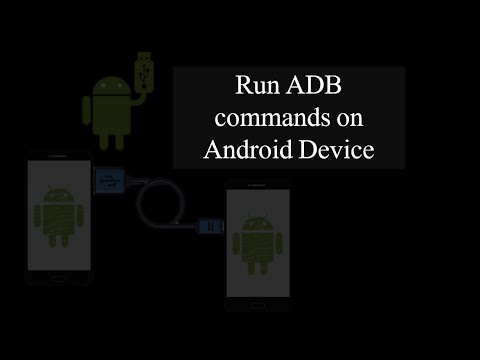
Usually, ADB is used to communicate or Access an Android Device to find bugs and vulnerabilities.
Click Here to Learn More About ADB (Android Debug Bridge)
But this video is going to be an experiment. Can I manage two Android devices using ADB, if yes then how? Let’s find out our answer with this Article.
Prerequisites
The following are the requirements before we proceed further:
- Two Android Devices with OTG supported (On my side Infinix Hot 8 and Samsung J7)
- OTG cable or Port
- USB cable
Getting Started
My Infinix device will be my host device(Infinix) and Samsung will be my target device(Samsung j7).
1. Open Playstore and install the ADB OTG Application.

2. It’s time to Plug in the OTG to the Host device and then Plug in the USB cable to the corresponding side.

3. Now launch the application to get the ADB command shell. A pop-up screen appears on my Samsung device.

4. Click ok and give access to the host. Now here on my Infinix device, I get the shell interaction.





